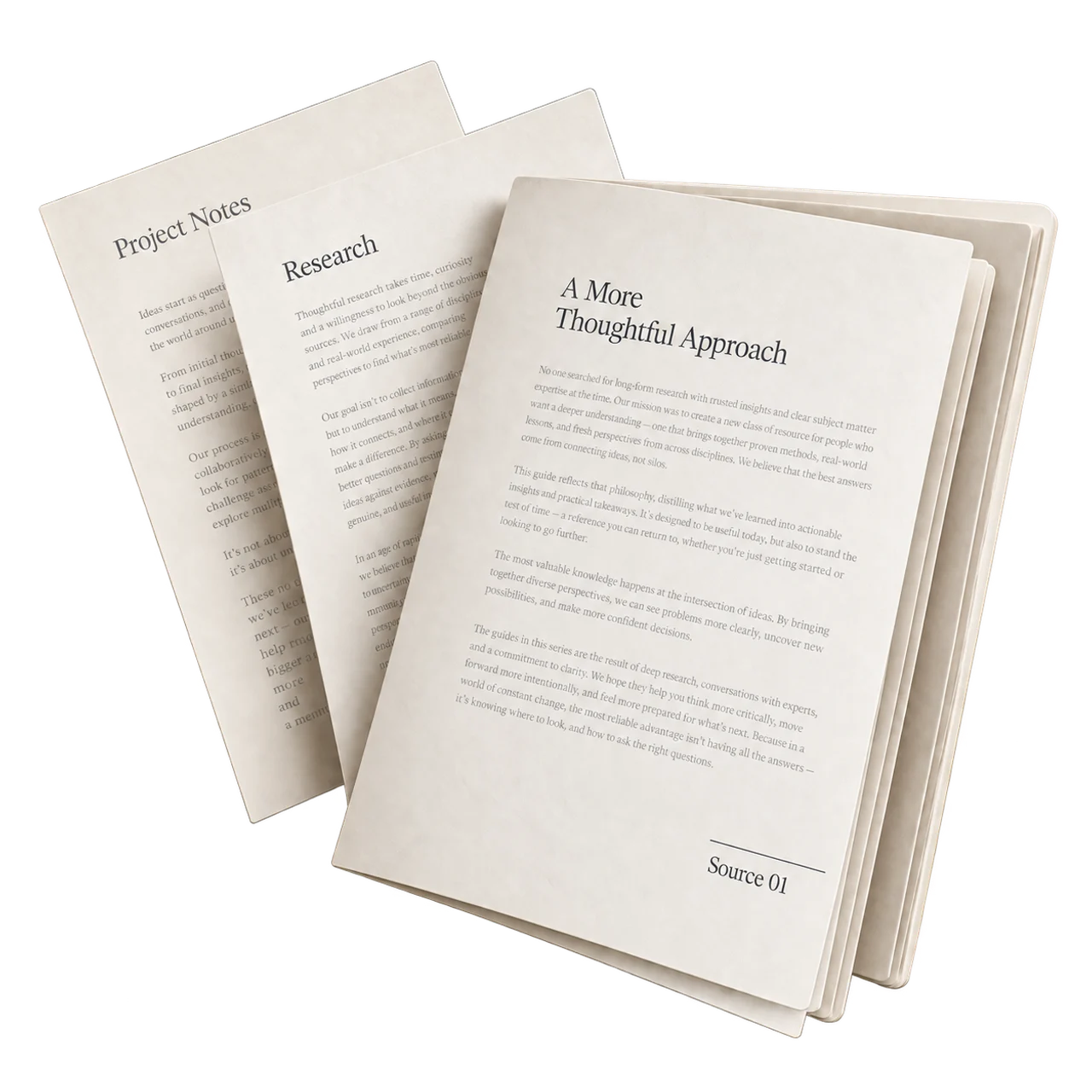
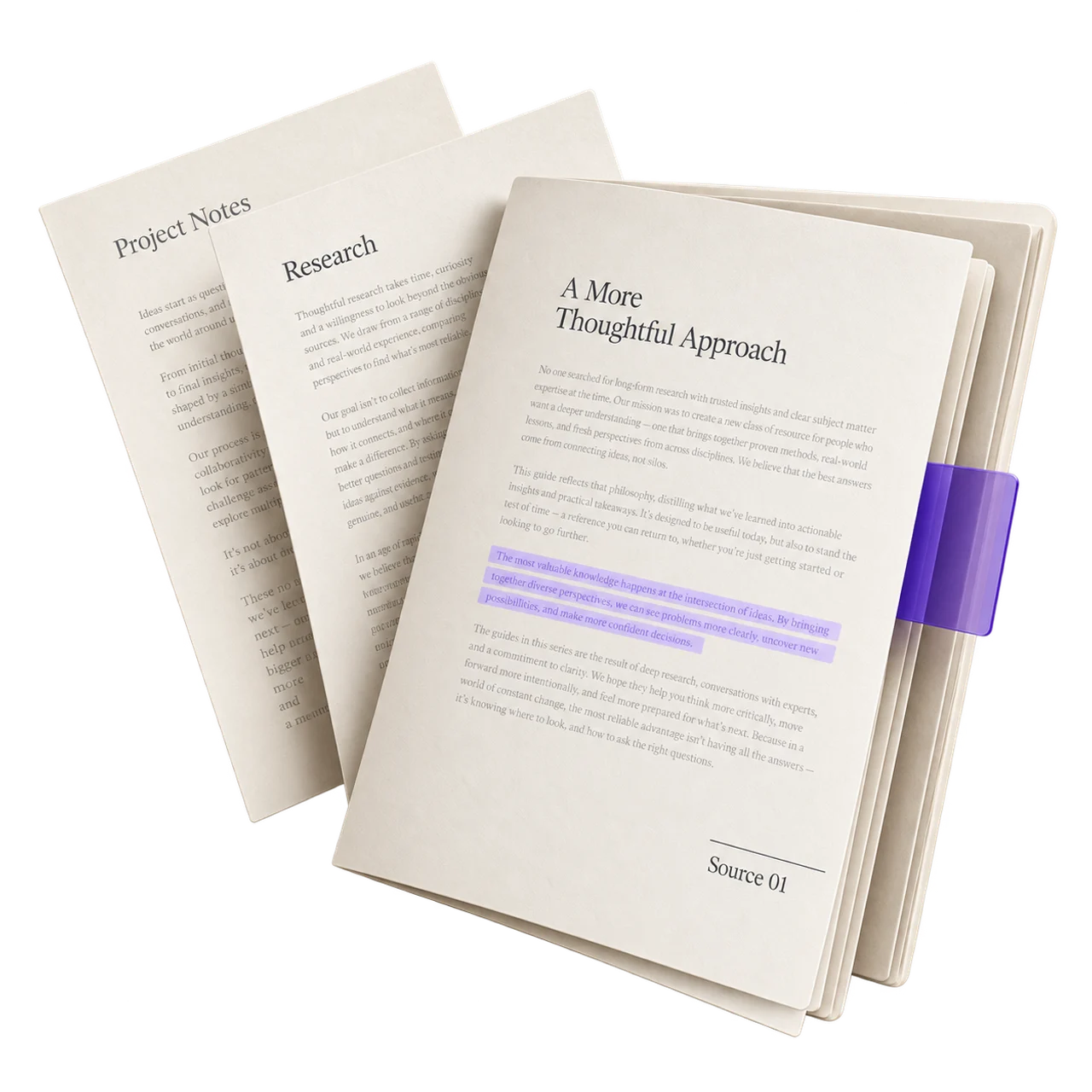
For your work
Bring briefs, product documents, and project notes into the same conversation.
Work documents. Personal research.
Useful answers, with sources.
Works with ChatGPT and Claude*
From saved files to sourced answers.
See how it works*Connection requirements vary. Illustration shows the concept.
Try it with an example
Upload a file, organize it, connect your AI, then ask with sources. Explore the supplied example below; selecting your own file previews its details only.
Supplied example journey
Use the supplied example to follow the four-step journey. You can also preview a file’s details in this browser.
Demo only — selected files never leave this browser, and the supplied example is not a live connection.
Useful on the first day
Upload a file, organize your sources, connect your AI, then ask with sources. Keep the source documents current and verify answers before using them in your work or personal projects.
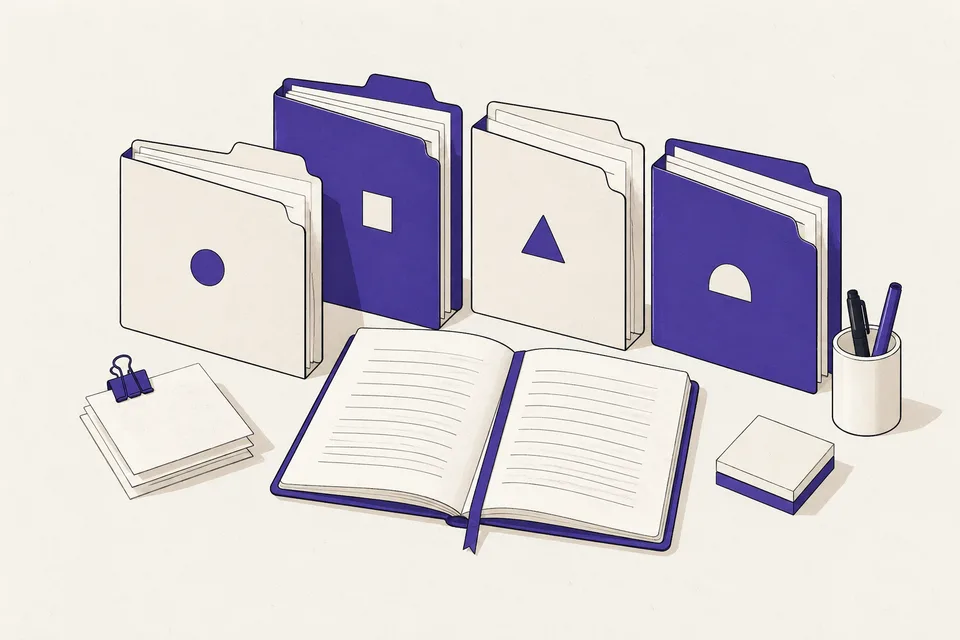
Bring briefs, product documents, and project notes into the same conversation.
Revisit useful passages in papers, course notes, and reading material.
Put the documents behind your writing, learning, and ideas to use.
Built for answers you can use
Ask for the passage behind an answer, then compare it with the original document. A supported answer should preserve the rule, its scope, and any exception that changes the outcome.
For a new annual Cedar subscription, a discount above 10% requires both sales lead and finance approval. Sending a request does not mean it has been approved.
Cedar discount policy · Approval thresholdsWorks with the AI you already use
Choose your assistant. We’ll copy your connection URL and show the exact setup steps.
After setup, ask this in ChatGPT and check that the reply names a source from your library.
Use Ask Your Docs to list my files, then summarize one and show the source.After setup, ask this in Claude and check that the reply names a source from your library.
Use Ask Your Docs to list my files, then summarize one and show the source.claude mcp add --transport http ask-your-docs https://app.ask-your-docs.com/mcpPaste it into your terminal once.
After setup, ask this in Claude Code and check that the reply names a source from your library.
Use Ask Your Docs to list my files, then summarize one and show the source.Connection URL https://app.ask-your-docs.com/mcp
Bring one good file
Organize your source files, connect a supported assistant, and verify your first answer.